Vantage Point Creative
Bespoke framing, done properly. Fine art printing, done in-house. Whatever you bring us — we'll frame it.
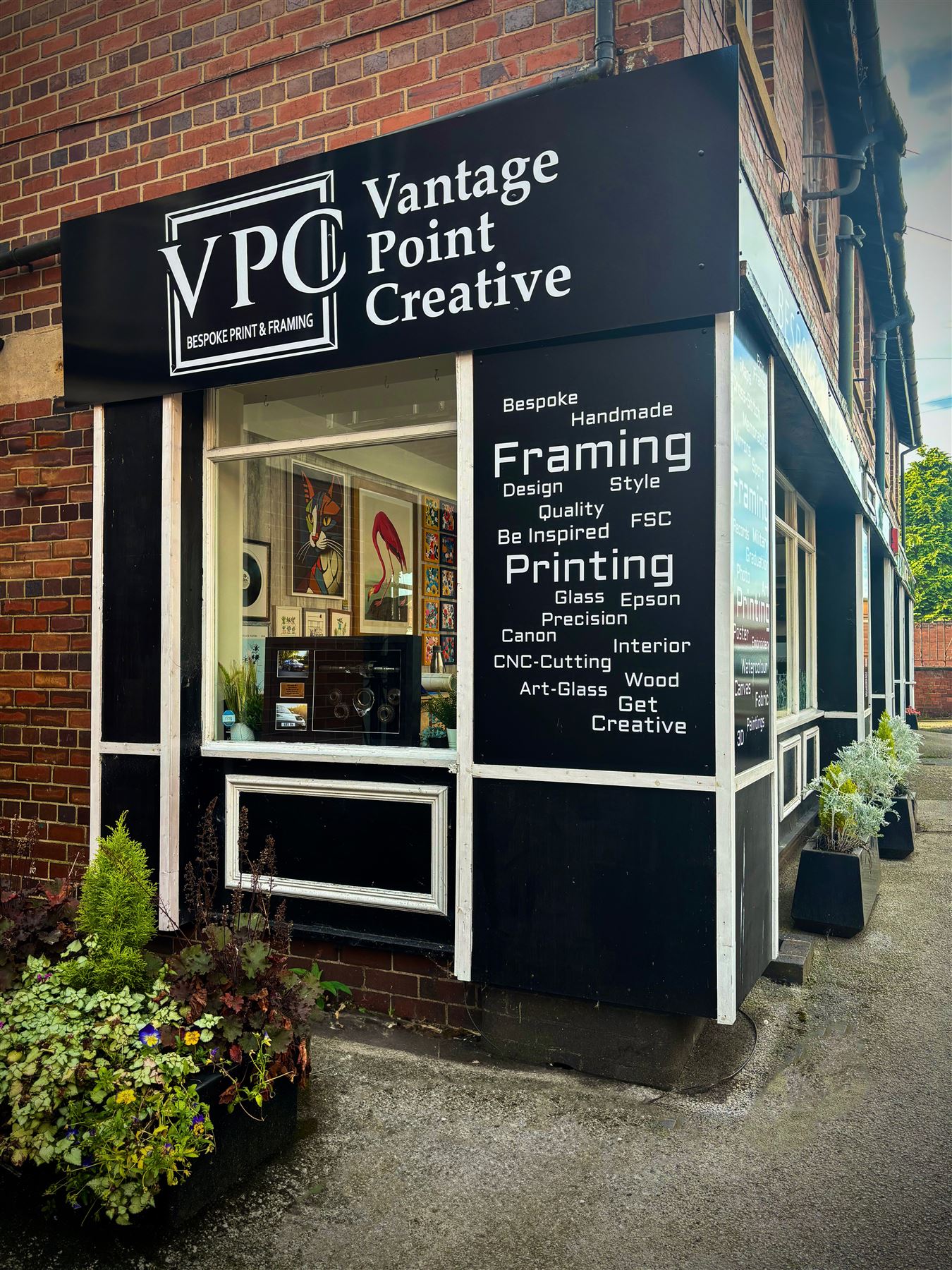
The workshop
On the tools, every day
A small high-street shop doing bespoke framing and printing — every order is cut, mounted and finished on site, not sent away to a factory.
Recent work
A few things we've framed lately
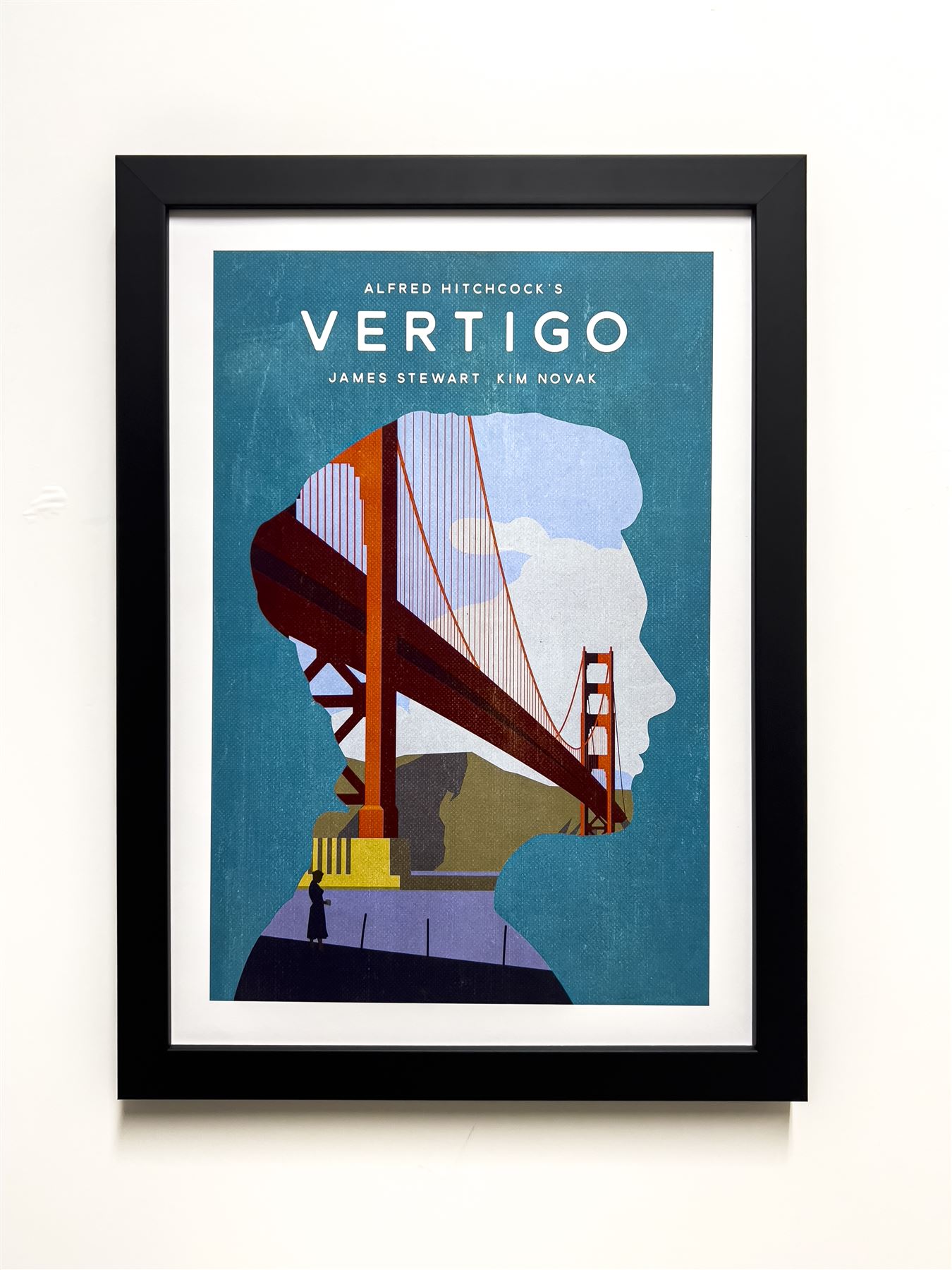
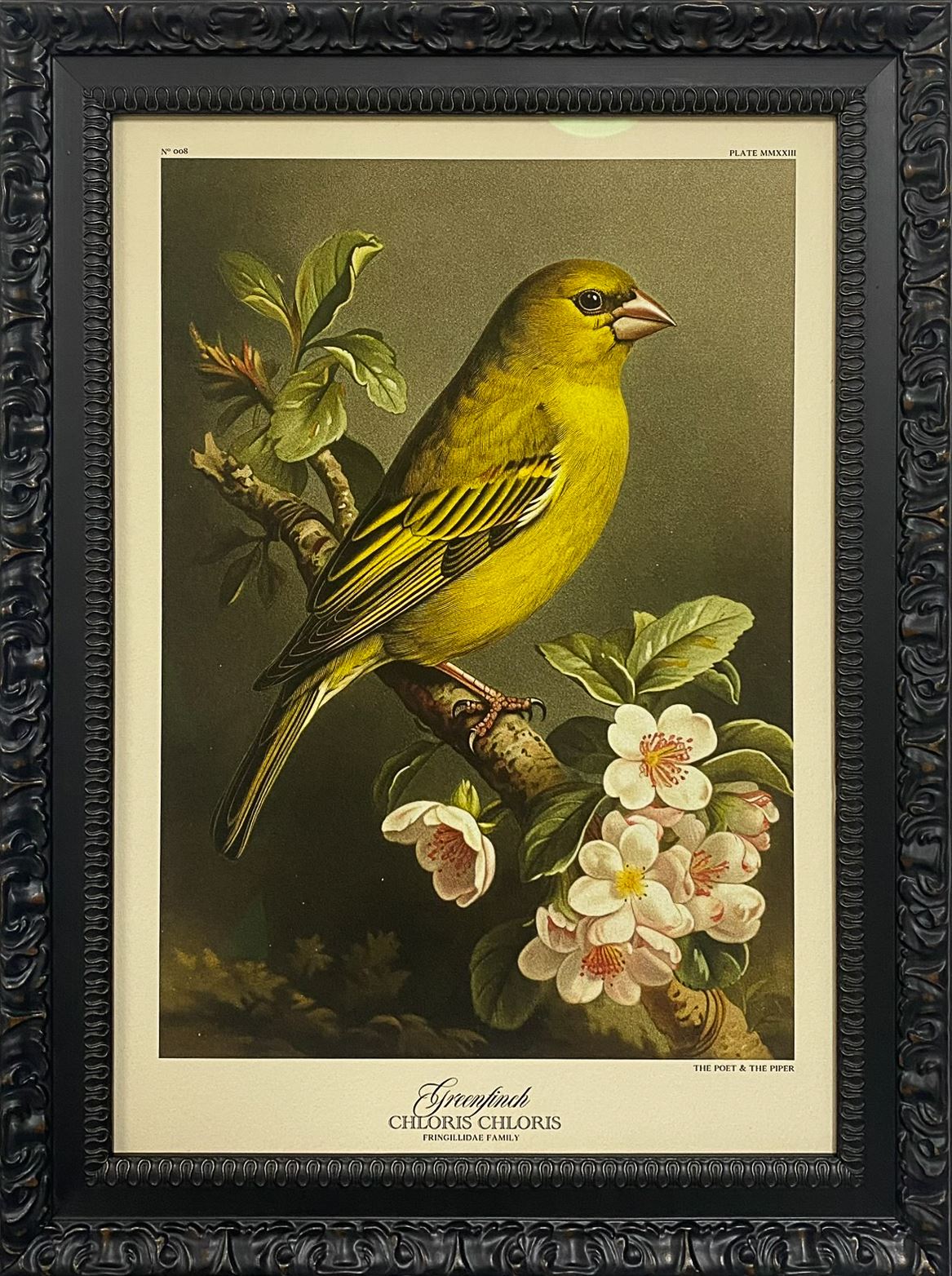
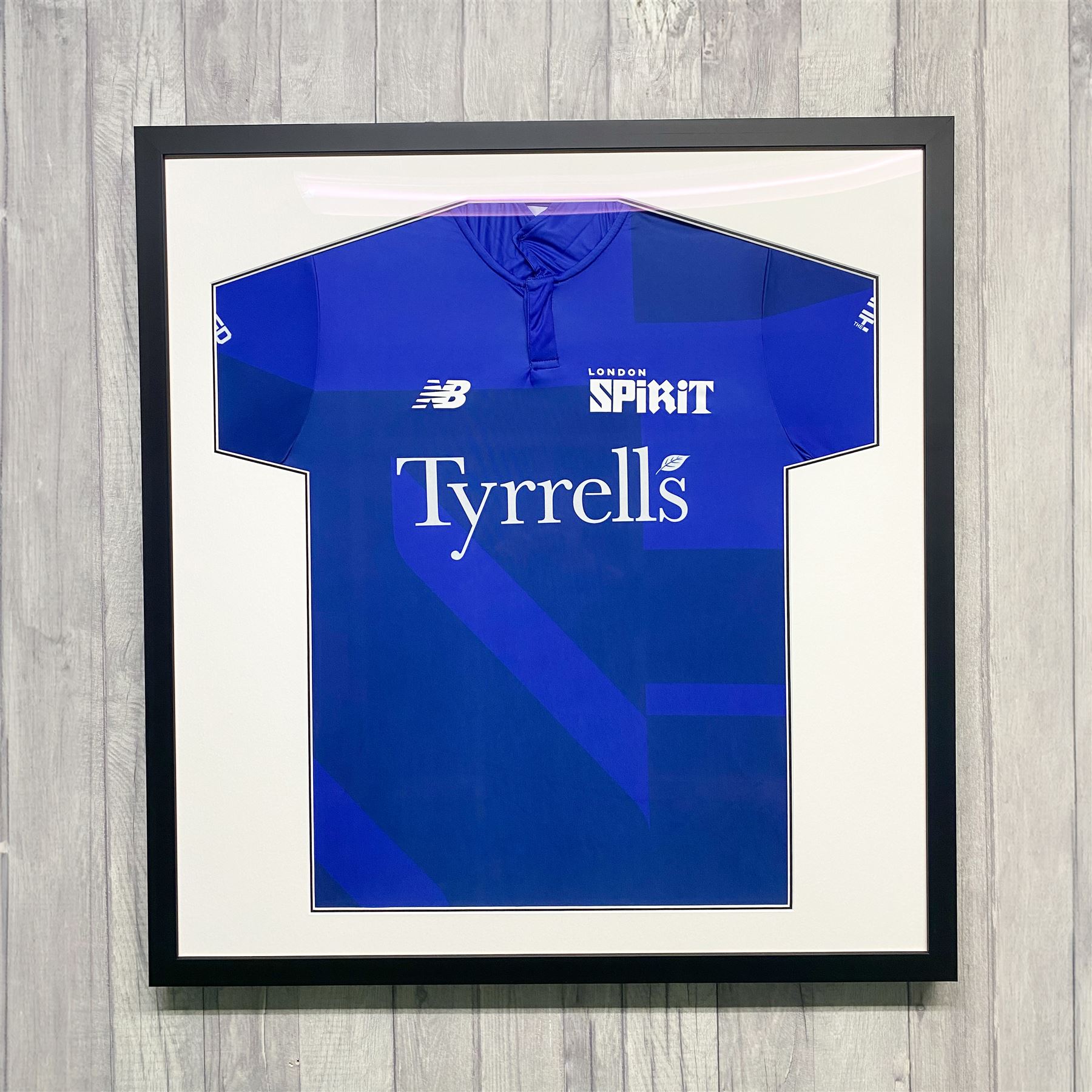
Film posters, sports memorabilia, needlework, fine art prints, portraits — if it needs a frame, we can build it.
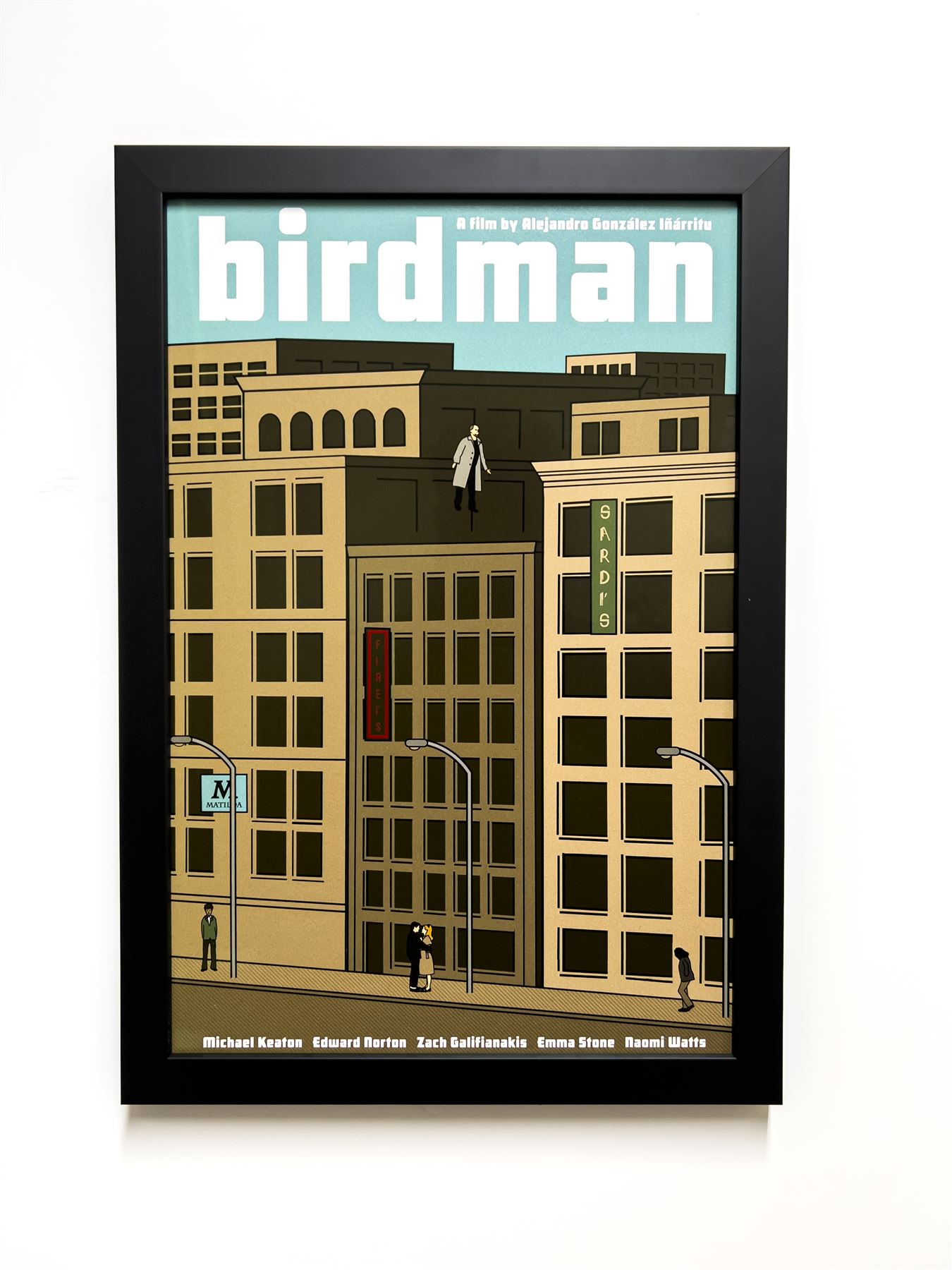
Film poster
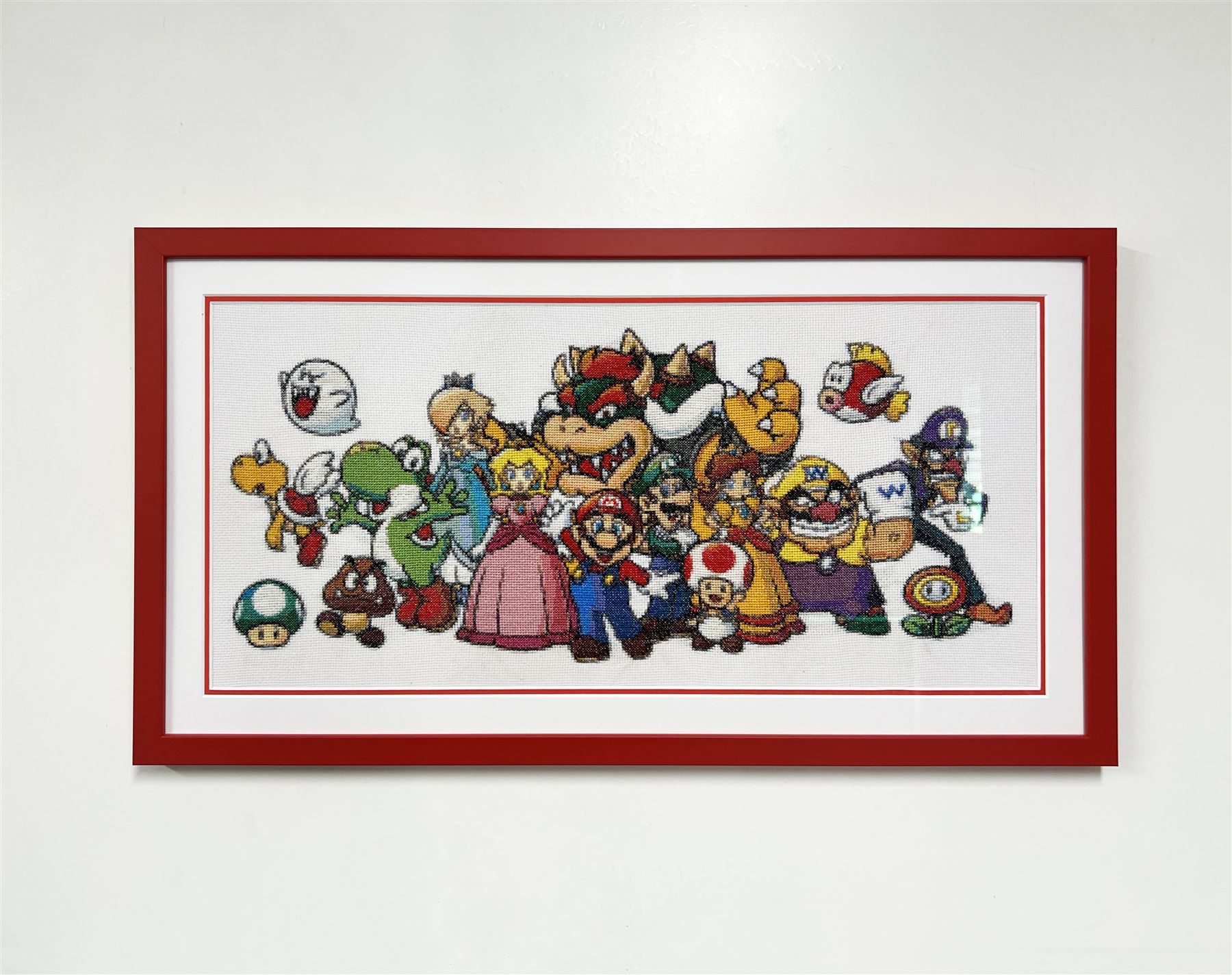
Needlework
Match shirt
Fine art print
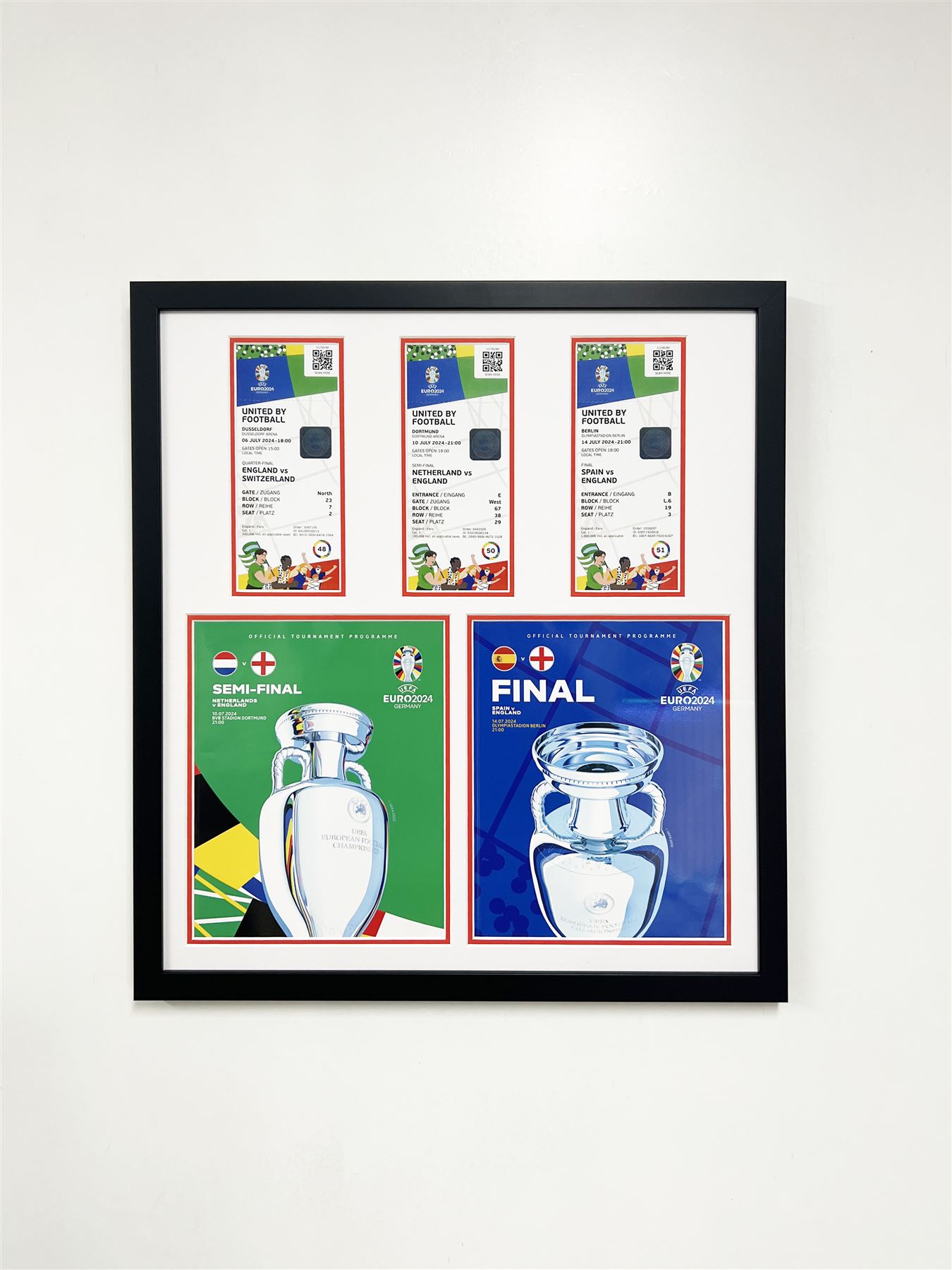
Memorabilia
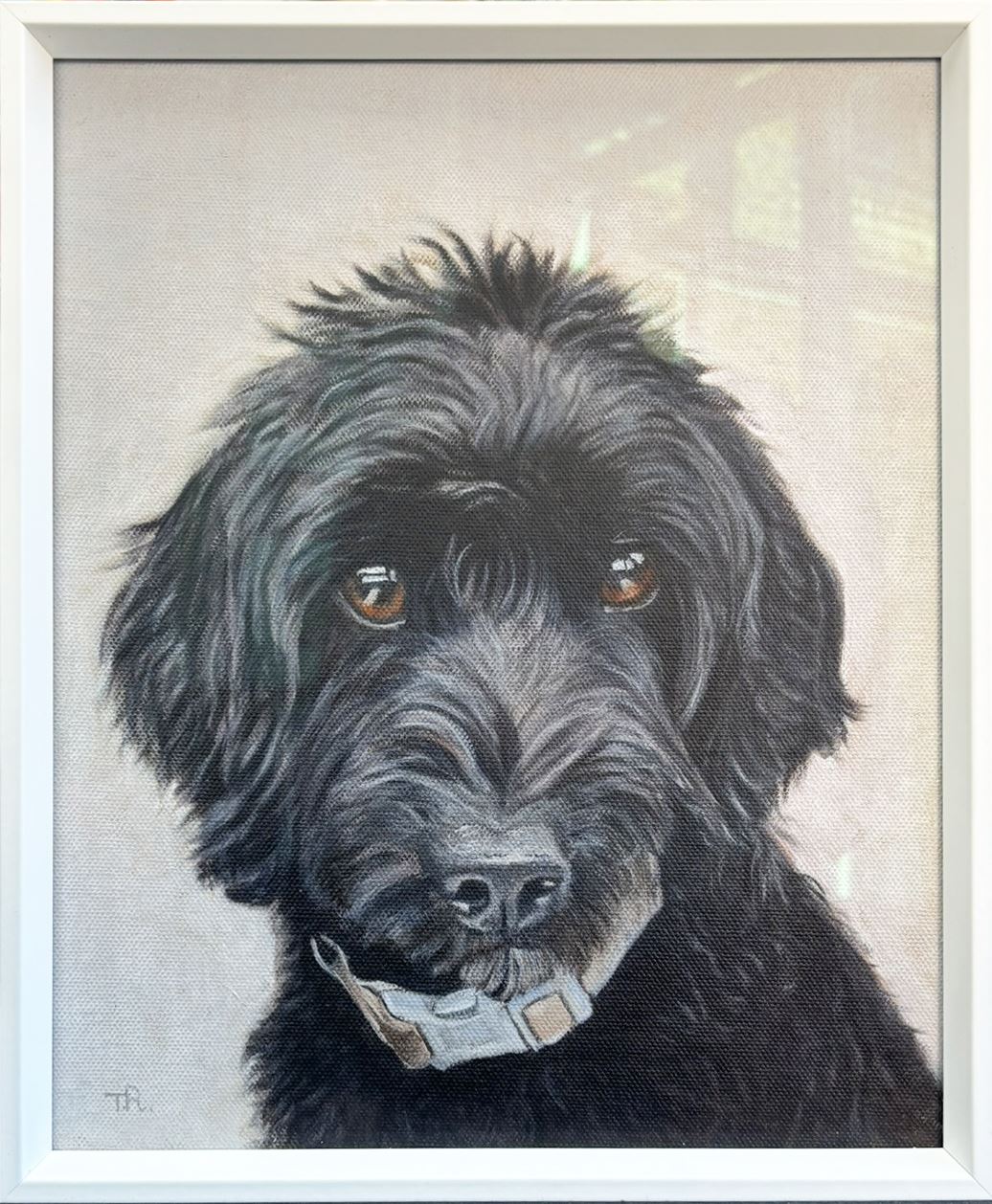
Pet portrait
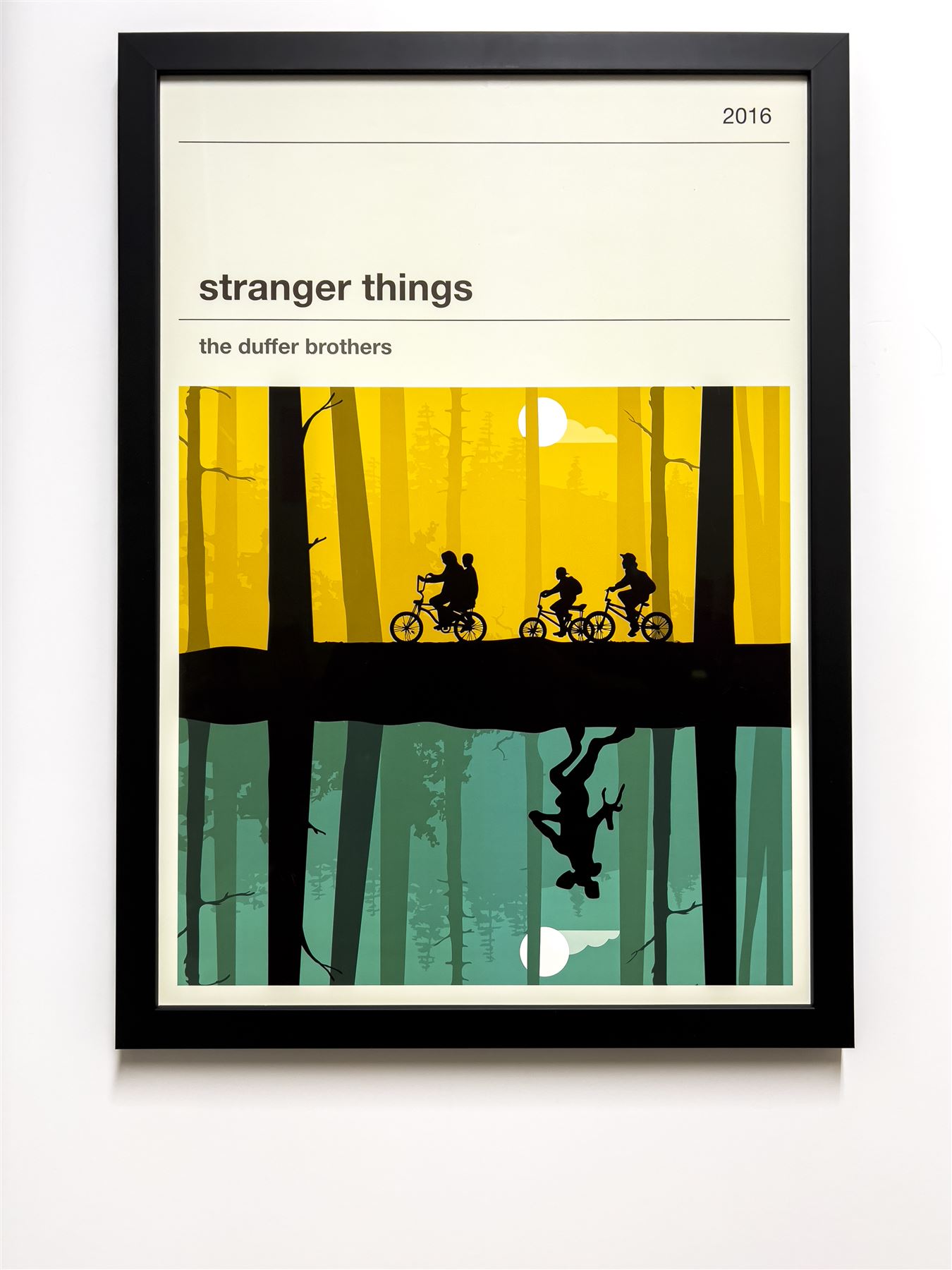
Film poster
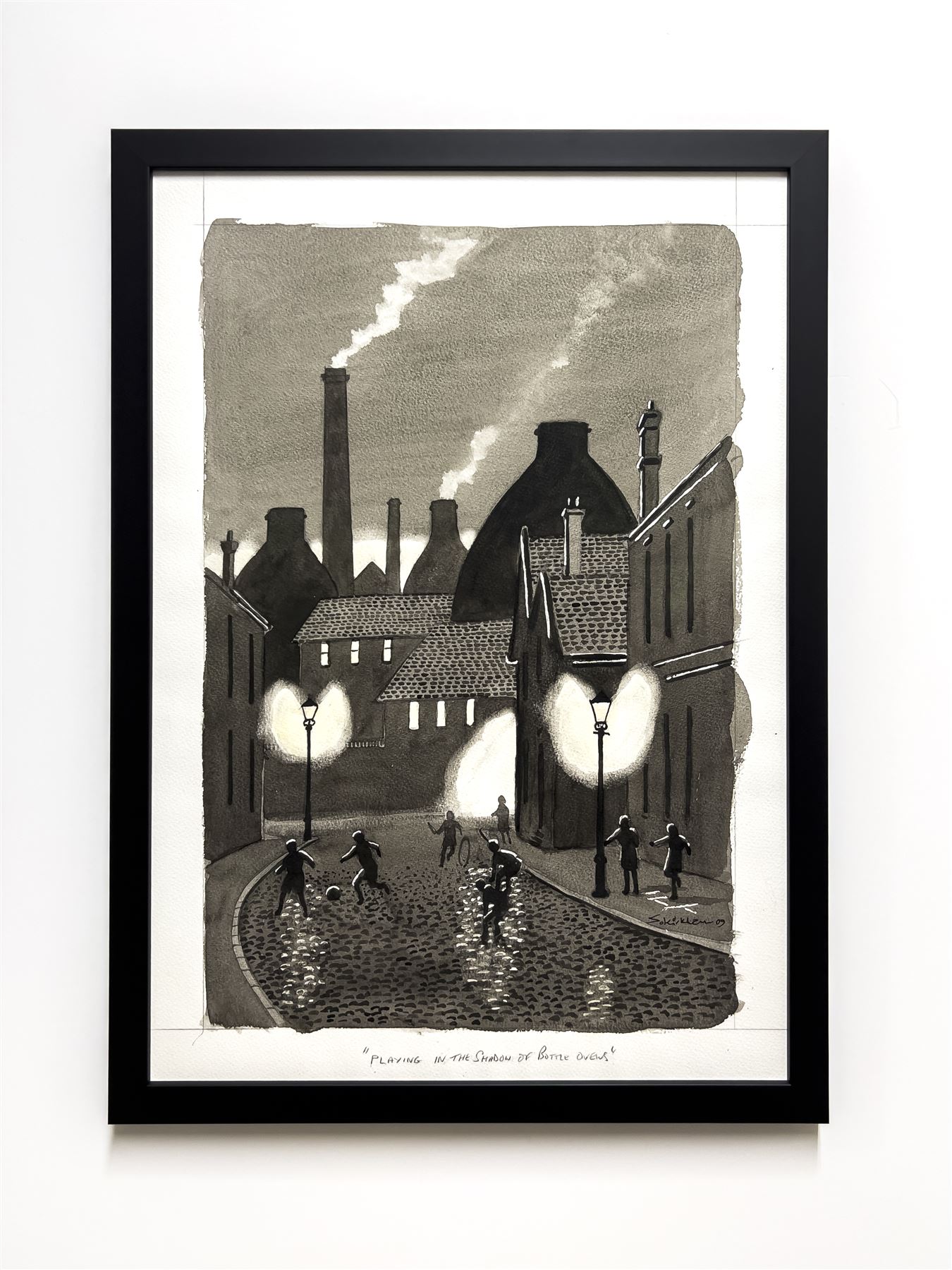
Art print
Film poster
Needlework
Match shirt
Fine art print
Memorabilia
Pet portrait
Film poster
Art print